


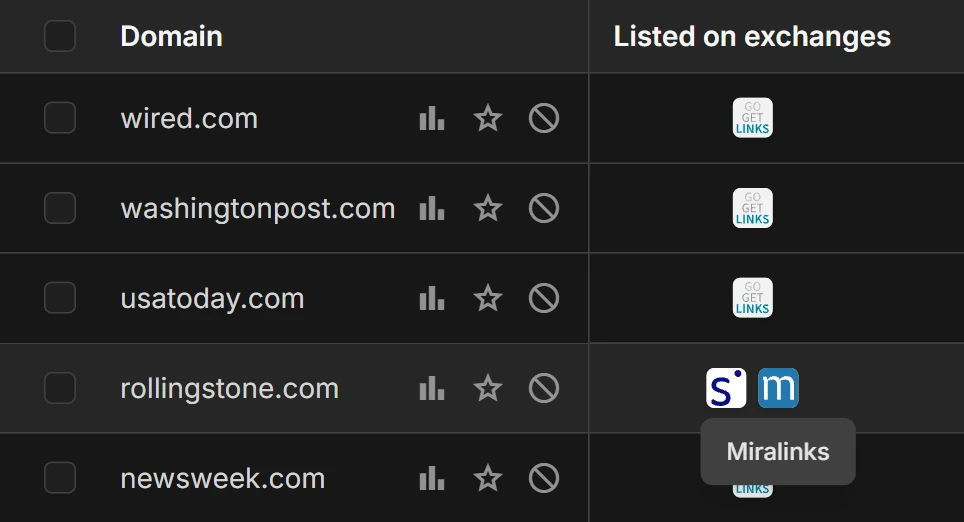
In the «Where to buy?» column, click an exchange icon to open the donor’s page on that exchange. You place the order on the exchange itself.
What opens
The exchange icon works as a link, opens in a new tab and leads to:
- Miralinks: the donor’s card on the exchange;
- GoGetLinks: a search on the exchange;
- SAPE: the donor in your SAPE project, if you entered the project ID. Without the ID, the list of your projects opens.
SAPE
The «Settings» page has a «SAPE» block with the «SAPE project ID» field. Its hint: «The project ID lets you open a donor from the catalog directly on the exchange». For details, see the page «Settings».
What to know
- To buy, you need your own account on the exchange.
- SerpMode helps you choose donors and does not take part in deals on the exchanges. The exchange sets the terms of purchase.
- The price in the catalog is shown as of the update date. Check the current price and the availability of the site on the exchange (about prices).