


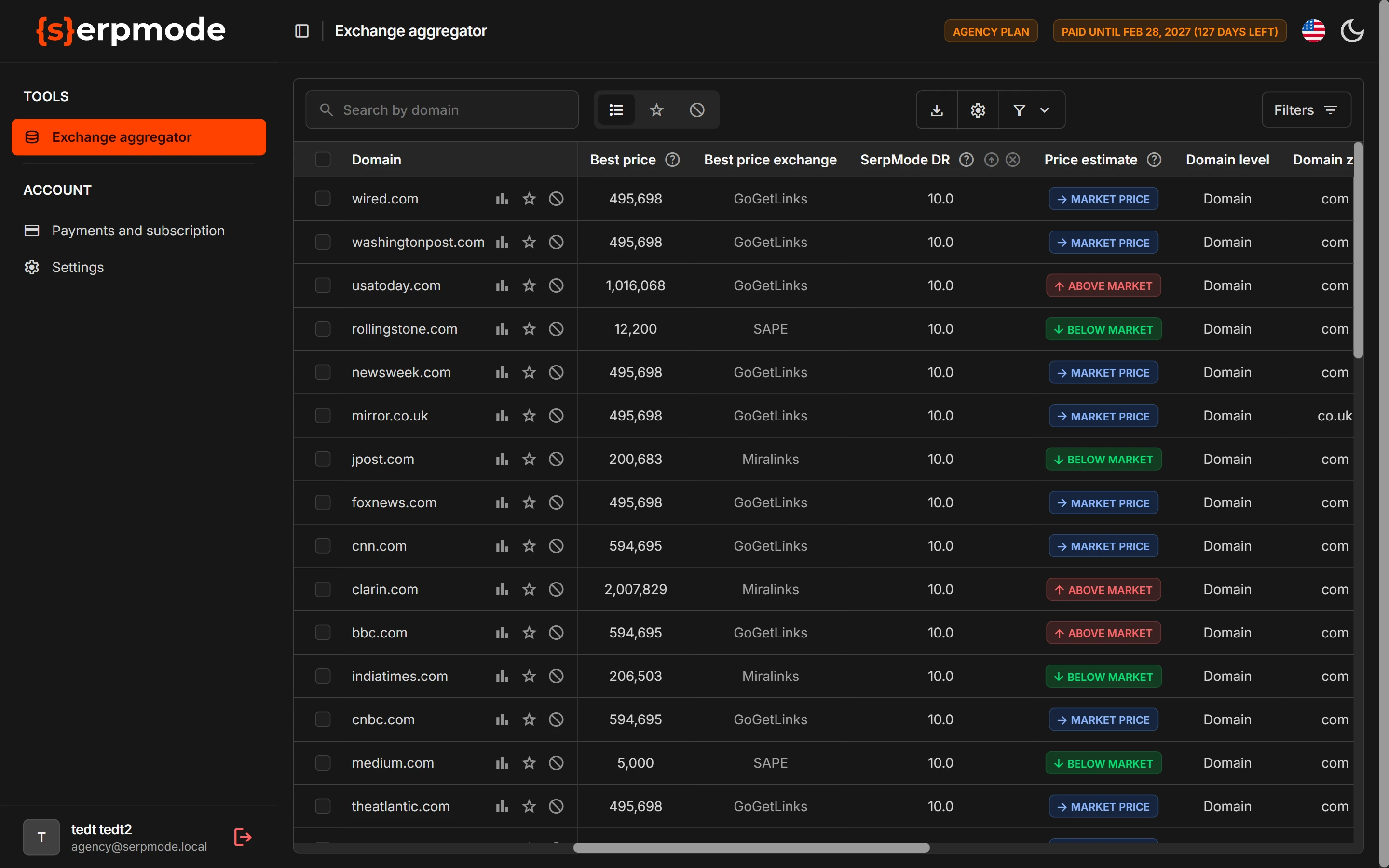
SerpMode DR rates how good a site is as a link donor for promotion in Google, on a scale from 0 to 10. The higher the value, the better. The price is not part of the scoring.
What the number means
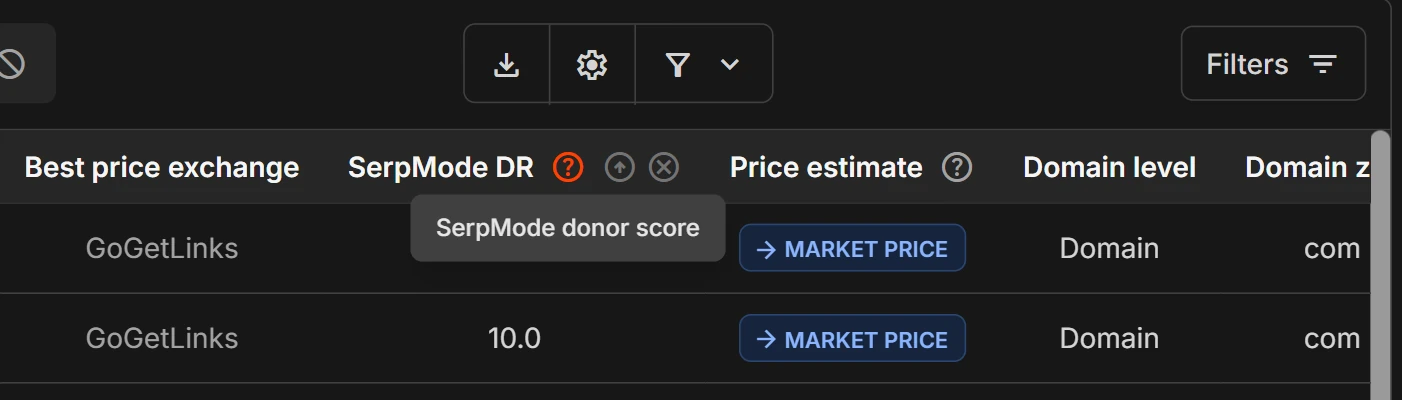
Each donor has one number from 0 to 10 with one decimal place in the «SerpMode DR» column. The hint next to the column header: «SerpMode donor score».
Value groups
| Value | Group |
|---|---|
| 0–2 | very weak |
| 2–4 | weak |
| 4–6 | medium |
| 6–8 | good |
| 8–10 | strong |
If a value is exactly on a boundary, for example 6.0, it belongs to the lower group.
How the scoring is shown
- By default, the catalog is sorted by scoring, from higher to lower.
- On the «Freelancer» plan there is no scoring: the «SerpMode DR» column is not in the catalog either, and the table is sorted by domain. The «Team» and «Agency» plans have scoring.
When the scoring changes
The scoring is updated together with the catalog, about once a month. For details, see the page «Where the data comes from and how often it is updated».
If SerpMode changes the calculation rules, the scoring is recalculated for the whole catalog and for the history.
How to use the scoring
- Open «Tools → Exchange aggregator» and click «Filters».
- In the «SerpMode DR» filter, fill in the «From» field. For example, 6.
- In the «Best price» filter, set the price range you need.
- Click «Apply».
This way you get strong donors within your budget. To make the scoring more noticeable in the table, turn on highlighting for it with your own thresholds: «Indicators». The scoring is a guide, not a recommendation. It is also worth looking at the topic, traffic and history of the domain: «Data for the domain».