


A SerpMode account has one active session. If you sign in from another browser or device, the service asks you to confirm the sign-in and closes the previous session. You may not give access to third parties.
The rule
- An account has one active session. This is a rule of the Terms of Use, section 4.
- You may not give access to your account to third parties or share one account with them.
- The «Team» and «Agency» plans do not give several users in one account.
- In case of a violation, access to the catalog may be suspended: what this means.
What you will see when signing in from another device
When you enter correct credentials and the account is already open in another browser or on another device, the «Simultaneous sessions detected» screen appears. It says: «Your account is being used in another browser at the same time».
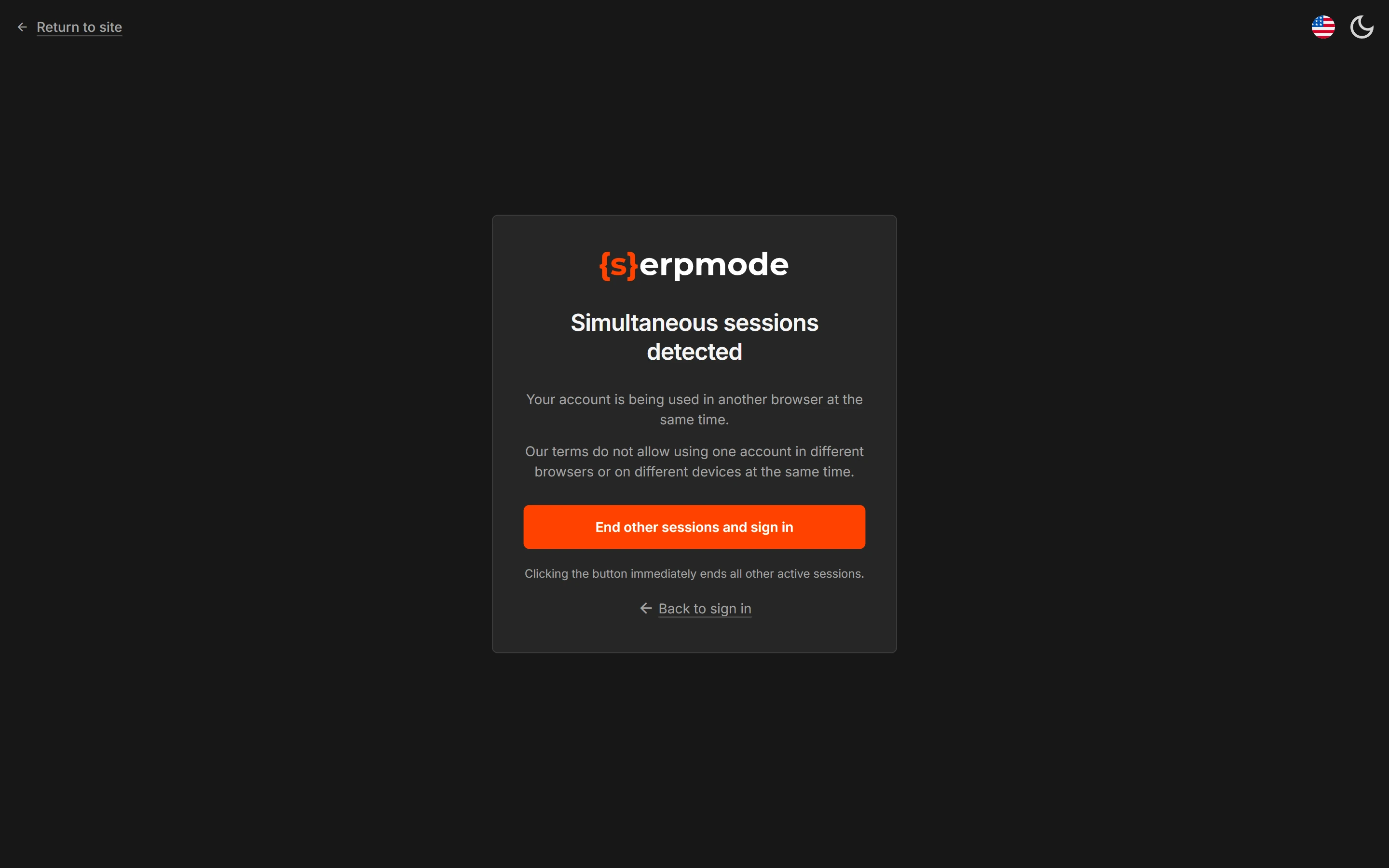
- Click «End other sessions and sign in». You need to confirm the sign-in within 5 minutes.
- The previous session closes at once, and you sign in on the new device.
If you do not want to close the other session, click «Back to sign in».
The «Sign-in from a new device» notification
After you confirm, you get the «Sign-in from a new device» notification. It arrives by email and in Telegram, if it is connected. You cannot turn off the email, but you can turn off the Telegram message in «Settings → Events». The notification shows:
- the browser and system;
- the IP address;
- the time in Moscow time.
If it was not you, change your password using the link from the email. Changing the password closes sessions on all devices. Then write to support@serpmode.com.
How to work on two computers
Confirm the sign-in each time you move from one computer to another. Saved filters, column settings and lists are stored in your account and are the same on any device.