


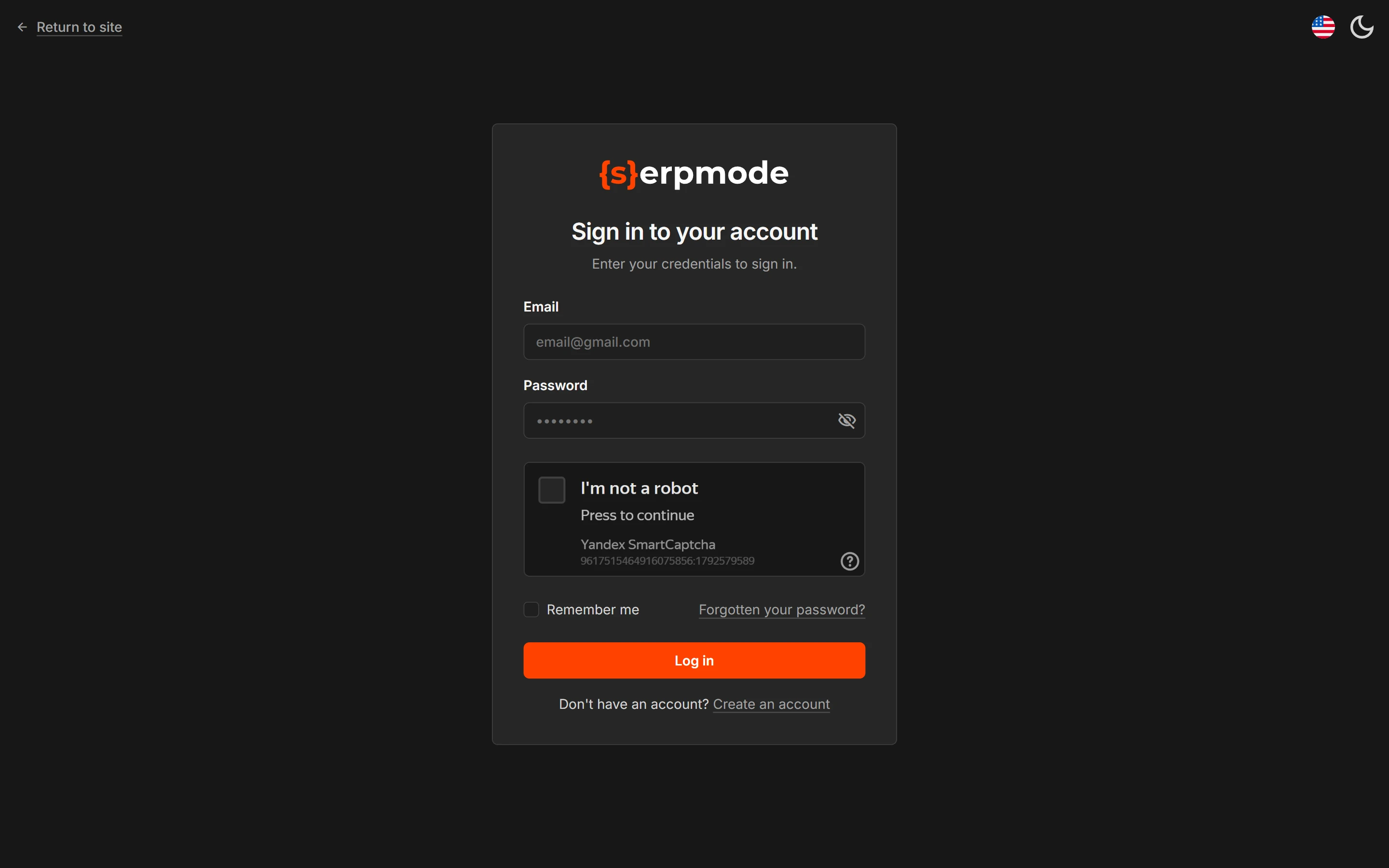
To sign in, open app.serpmode.com, enter your email and password and complete the «I’m not a robot» check. If you forgot your password, click «Forgotten your password?» and open the link from the message.
How to sign in
- Enter «Email» and «Password».
- Complete the «I’m not a robot» check.
- Tick «Remember me» if you don’t want to sign in again for 90 days. Without the checkbox, the session lasts until you close the browser.
- Click «Log in».
If your email is not confirmed, sign-in will not open, and the message with the link is sent again. For details, see the page «Sign up and confirm your email».
How to reset your password
- On the sign-in page, click «Forgotten your password?».
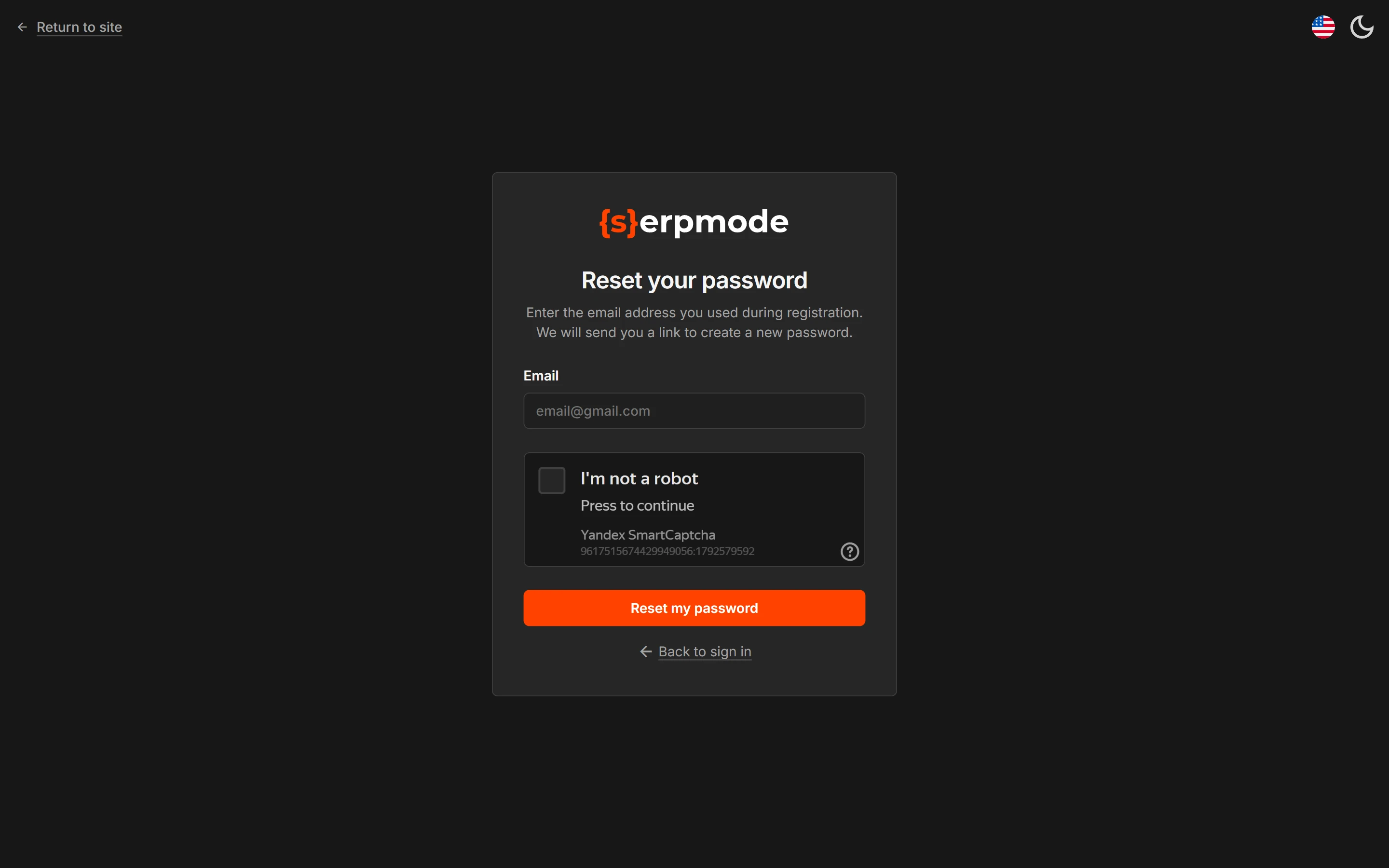
- On the «Password reset» page, enter the email you signed up with («Enter the email address you used during registration. We will send you a link to create a new password.») and complete the «I’m not a robot» check.
- Click «Reset my password».
- Open the message from noreply@serpmode.com and click the «Set a new password» button.
- Enter a new password.
The reply on the screen is the same whether an account with this email exists or not. The link works once and is valid for 3 days. After you change the password, you are logged out on all devices and sign in again.
How to log out
Click the «Log out» button at the bottom of the left menu, under your name and email.
If sign-in is closed for 4 hours
After 3 wrong passwords in a row, sign-in is closed for 4 hours. This is how we protect the account from password guessing. Resetting the password does not lift this block: you can sign in when the 4 hours have passed.
The service says that the email or password is wrong, and it says the same in all cases. This way we don’t tell a stranger whether an account with this email exists.
If the «Simultaneous sessions detected» screen appears
Your account is open in another browser or on another device. The rules and what to do are described on the page «One account, one device».
If the page is outdated
This happens when a form has stayed open for a long time. If an error says that the page is outdated, refresh it and repeat the action.